
50+ Free Professional Email Examples for Every Situation

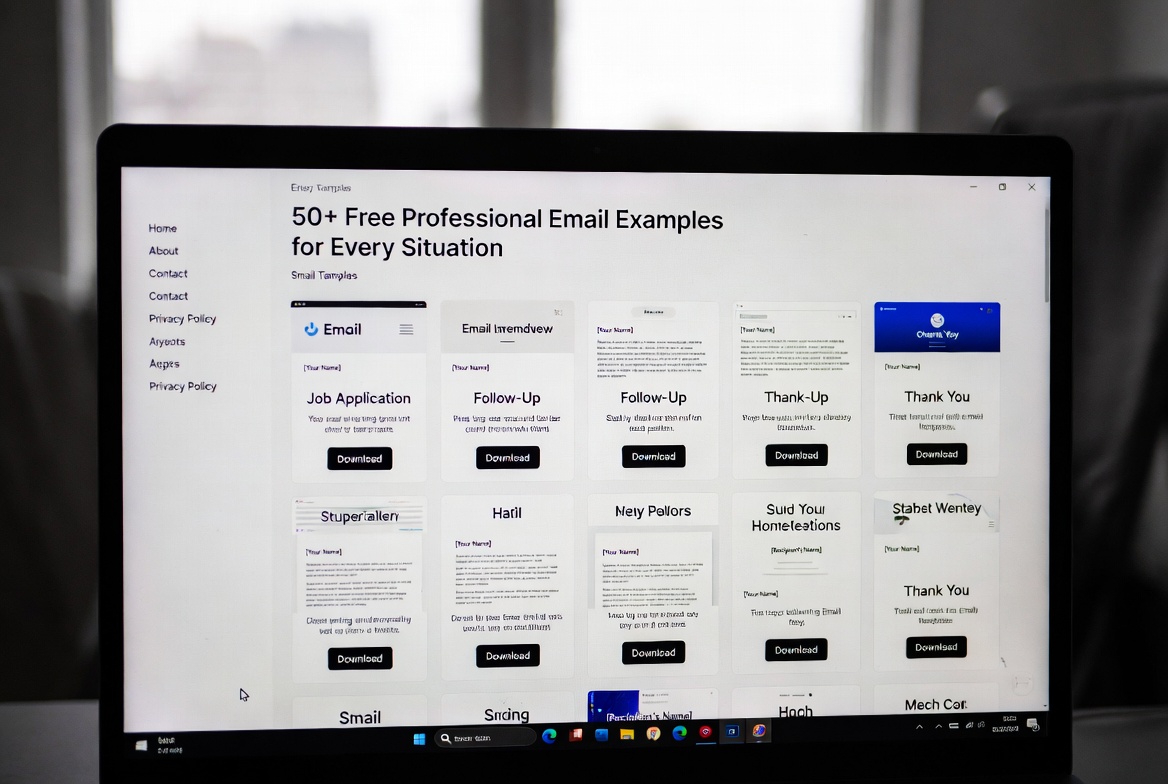

Professional email examples are your secret weapon for clear, effective, and polished communication in any business scenario. What is the best way to ensure your message is both professional and impactful? How can you save time while still sending emails that build trust and get results? This comprehensive guide provides over 50 free, customizable templates and answers all your key questions about modern email etiquette. From crafting the perfect subject line to navigating complex situations, we cover the top strategies and best practices you need to communicate with confidence.
What Are the Key Elements of a Highly Effective Professional Email?
Why does email structure matter so much for professional perception? How can you avoid common pitfalls that undermine your credibility? A powerful professional email rests on five key pillars. First, a clear and compelling subject line is critical; it determines whether your email gets opened. Which words drive the highest open rates? Second, a professional greeting sets the tone—should you use “Dear,” “Hello,” or “Hi”? The third element is a concise and purposeful body: get to the point quickly, use short paragraphs, and employ bullet points for clarity. Fourth, a strong call to action tells the recipient exactly what you need from them and by when. Finally, a polished signature with your contact information rounds out your professional identity. Mastering these elements is the best way to ensure your communication is always well-received.
How to Choose the Right Email Template for Your Specific Need?
With so many scenarios, which template should you use and when? The choice depends entirely on your goal and relationship with the recipient. What is the difference between a job application follow-up and a networking follow-up? The former is more formal and targeted, while the latter focuses on relationship-building. For internal communication with your team, a more casual and direct tone is often appropriate. Conversely, when writing to a new client or senior executive, a higher degree of formality is expected. How can you quickly adapt a template? Always personalize the salutation, reference specific details relevant to the recipient, and adjust the tone to match your company’s culture and the context of the message. Using a generic template without customization is one of the top mistakes to avoid.
When Should You Send a Formal Email vs. a Casual One?
Understanding the difference between formal and casual email tone is a cornerstone of professional etiquette. When is it absolutely necessary to be formal? Use a formal tone for initial contact with someone you don’t know, communication with senior leadership, client correspondence, official requests, and in industries like law, finance, or government. A casual tone is suitable for routine internal communication with colleagues you know well, quick updates, and teams with a relaxed culture. How do you strike the right balance? Look for cues in how the other person communicates. If they sign off with “Best” and use a conversational style, it’s usually safe to mirror that. If in doubt, it’s always better to err on the side of formality. The pros and cons of being too casual include building rapport but risking the perception of unprofessionalism.
Table: Quick Guide to Choosing Your Email Template
| Scenario | Recommended Tone | Key Focus | Template Type |
|---|---|---|---|
| Job Application | Highly Formal | Showcasing skills, professionalism, and follow-up. | Application, Thank You, Follow-Up |
| Client Communication | Professional & Polished | Building trust, clarity, and providing solutions. | Introduction, Proposal, Update, Apology |
| Internal Team Update | Clear & Direct | Informing quickly, delegating tasks, collaboration. | Update, Announcement, Request |
| Meeting Scheduling | Polite & Efficient | Proposing times, sharing agendas, confirming details. | Request, Invitation, Rescheduling |
| Networking | Engaging & Respectful | Making a connection, offering value, staying memorable. | Introduction, Follow-Up, Reconnection |
How Can You Improve Your Email Response Rates?
What are the best ways to get people to reply to your emails? How long should your email be to maximize engagement? The reality is that response rates depend heavily on clarity, relevance, and respect for the recipient’s time. First, your subject line must create curiosity or state clear value. Which subject lines perform best? Those that are specific, benefit-oriented, and under 50 characters. Second, personalize the opening line; a generic “To whom it may concern” is far less effective than using the recipient’s name and a specific reference. Third, make your ask incredibly easy to fulfill. Break down complex requests and provide clear deadlines. Fourth, how often should you follow up? One polite follow-up after 5-7 business days is standard. Sending more than two follow-ups without a reply is often considered intrusive. Using these tips for higher engagement will significantly improve your professional outcomes.
Frequently Asked Questions (FAQs)
1. What is the single most important part of a professional email?
The subject line is arguably the most critical component. It determines whether your email is opened or ignored. A strong subject line is specific, concise, and gives the recipient a clear reason to read further.
2. How long should a typical professional email be?
As a general rule, keep emails under 150 words for the highest response rates. Be concise and get straight to the point. If you need to convey a lot of information, use bullet points, attachments, or suggest a call.
3. What’s the difference between ‘Best regards’ and ‘Sincerely’?
‘Best regards’ is a standard, warm, and widely acceptable closing for most professional situations. ‘Sincerely’ is slightly more formal, often used in very official correspondence or initial contact with someone you don’t know. ‘Thanks’ or ‘Best’ is suitable for casual internal emails.
4. How soon should you reply to a professional email?
The general best practice is to respond within 24 hours during the business week, even if it’s just to acknowledge receipt and give a timeframe for a full reply. This shows professionalism and respect for the sender’s time.
5. Can I use emojis in a professional email?
Should you use emojis? It depends heavily on your industry and relationship with the recipient. In most formal communications (client emails, job applications), avoid them. In very casual internal team settings where it’s part of the culture, a simple smiley 🙂 might be acceptable, but when in doubt, leave them out.
Disclaimer: The email templates and advice provided in this article are for general informational and guidance purposes only. Professional communication standards can vary by industry, company culture, and region. The user is solely responsible for customizing and applying this information appropriately and in compliance with their organization’s policies.
Keywords: professional email examples, business email templates, how to write a professional email, email etiquette, professional communication, free email templates, formal email format