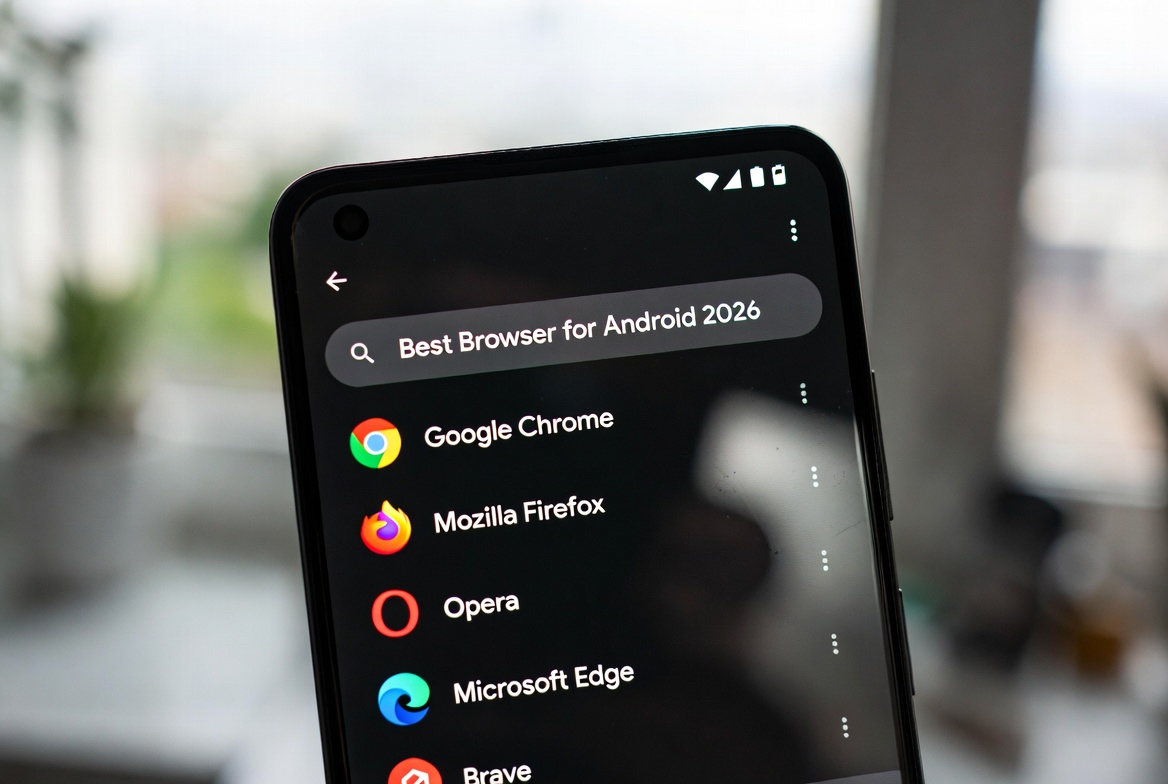
Best Browser for Android 2026


How to Choose the Best Android Browser for Your Needs
Selecting the best Android browser is a critical decision that directly impacts your mobile internet experience, affecting everything from browsing speed and battery life to your personal privacy and data security. With Android’s open ecosystem, users face a wide array of choices, each browser offering a distinct philosophy—from Google Chrome’s seamless integration to Brave’s aggressive privacy protection. Your ideal choice hinges on identifying your primary priority: Is it blazing-fast page loads, absolute data privacy, battery efficiency, or extensive customization? This guide cuts through the noise, providing a data-driven comparison of the top browsers for Android based on rigorous testing, feature analysis, and real-world usability for 2026.
Top Contenders for the Best Android Browser in 2026
The Android browser landscape is dominated by a few key players, each serving a specific user archetype. Google Chrome remains the ubiquitous default, prized for its syncing capabilities and unmatched website compatibility. Mozilla Firefox stands as the champion for open-source advocates and users who demand robust mobile extension support. Microsoft Edge has carved a niche with exceptional battery life management and productivity tools for professionals. Meanwhile, Brave Browser and DuckDuckGo are redefining expectations with built-in, default ad-blocking and a foundational commitment to user privacy. Understanding the core identity of each browser is the first step in aligning a tool’s strengths with your personal digital habits and security requirements.
In-Depth Analysis: Performance, Privacy, and Battery Life
Evaluating an Android browser requires looking beyond surface-level features. Performance benchmarking consistently shows browsers like Chrome and Brave leading in raw JavaScript execution and page rendering speed, partly due to efficient ad-blocking that reduces page weight. In the realm of privacy, a critical differentiator is whether privacy features are on by default (like in Brave and DuckDuckGo) or require manual activation (common in Chrome and Edge). Battery efficiency is another major factor; browsers like Edge with its “Efficiency mode” and Brave with its lightweight engine demonstrate how software design can significantly extend your device’s uptime by minimizing background resource consumption.
Comparative Table: Android Browsers at a Glance (2026)
| Browser | Best For | Key Strength | Primary Weakness | Privacy Default |
|---|---|---|---|---|
| Google Chrome | Google Ecosystem Users | Speed, Sync, Compatibility | High Resource Use, Data Collection | Low |
| Mozilla Firefox | Customization & Extensions | Open-Source, Extension Library | Can be Slower on Some Sites | High |
| Microsoft Edge | Battery Life & Productivity | Sleeping Tabs, Office Integration | Microsoft Data Integration | Medium |
| Brave Browser | Privacy & Ad-Free Browsing | Built-in Ad/Tracker Blocking, BAT Rewards | Less Polished UI on Some Sites | Very High |
| DuckDuckGo | Simplicity & Core Privacy | “Fire Button,” No Tracking | Limited Features, No Extensions | Very High |
| Opera | Built-in Features (VPN, News) | Free VPN, Ad-Blocker, Flow | Owned by Chinese Consortium | Medium |
| Samsung Internet | Samsung Device Owners | DeX/VR Support, Secret Mode | Best Experience Locked to Galaxy | Medium-High |
| Tor Browser | Maximum Anonymity | Onion Routing, Identity Protection | Very Slow Speeds, Breakage on Sites | Maximum |
Essential Features to Evaluate in an Android Browser
When testing browsers, focus on these practical aspects. Ad-blocking efficacy is paramount; does the browser block ads and trackers natively, or does it rely on often-clunky extensions? Extension support varies wildly; Firefox for Android offers the most robust mobile extension library, while Kiwi Browser uniquely supports desktop Chrome extensions. User interface and customization determine daily usability—can you move the address bar, adjust tab behavior, or choose a privacy-respecting search engine by default? Finally, consider sync capabilities: Chrome and Firefox offer mature cross-device syncing, which is invaluable if you also browse on a desktop or tablet, ensuring bookmarks, history, and passwords are always accessible.
Specialized Browsers for Niche Needs and Advanced Users
Beyond mainstream options, several browsers cater to specific use cases. Kiwi Browser is a powerhouse for developers and power users due to its unique support for full desktop Chrome extensions on mobile. Ecosia appeals to the ethically-conscious user, channeling search ad revenue into tree planting, though it is based on a simplified Chromium shell. For the highest level of anonymity, Tor Browser remains the gold standard, routing traffic through multiple encrypted nodes to obscure your location and identity, a critical tool for journalists and users in restrictive regions, despite its significant speed trade-off.
How to Test Your Website Across All Major Android Browsers
For developers and businesses, ensuring a consistent user experience across this fragmented browser landscape is essential. Comprehensive cross-browser testing on real Android devices is non-negotiable. Utilize cloud-based platforms that offer real device labs to check functionality, visual rendering, and performance on Chrome, Firefox, Edge, Samsung Internet, and others. Pay special attention to how privacy features like tracker blocking and script prevention (in Brave or Firefox) affect your site’s login systems, shopping carts, and dynamic content. Automated testing scripts can help verify that core user journeys work flawlessly, regardless of whether a visitor uses a default ad-blocker or a privacy-centric browser like DuckDuckGo.
Frequently Asked Questions (FAQ)
Which Android browser uses the least battery?
Based on current testing, Microsoft Edge with its “Efficiency mode” and Brave Browser with its streamlined, ad-blocking engine typically demonstrate superior battery efficiency. They reduce CPU and network load by blocking resource-heavy ads and scripts before they drain your battery.
Is Firefox for Android better than Chrome for privacy?
Yes, significantly. Mozilla Firefox is built by a non-profit foundation with a privacy-first mandate. Its Enhanced Tracking Protection is on by default, blocking social media trackers, cross-site cookies, and cryptominers. Chrome, while secure, is built by an advertising company (Google) and collects more user data by default to personalize ads and services.
Can I use Chrome extensions on any Android browser?
Generally, no. Most Android browsers have limited or no extension support. The major exceptions are Mozilla Firefox for Android, which supports hundreds of mobile-optimized extensions, and Kiwi Browser, which is the only browser that can run most desktop Chrome extensions on Android, a feature highly valued by power users.
What is the safest browser for online banking on Android?
For online banking, a browser with strong, updated security features and a clean reputation is key. Brave Browser or Google Chrome are excellent choices. Both enforce HTTPS connections, receive frequent security updates, and offer robust sandboxing. Ensure you keep the browser updated and avoid installing unverified extensions.
Are browsers like DuckDuckGo or Ecosia actually good, or just ethical?
They are both competent and ethical. DuckDuckGo Privacy Browser provides a fast, simplified experience with best-in-class privacy protections by default. Ecosia offers a reliable, Chromium-based browsing experience while funding reforestation. While they may lack some advanced features, their core browsing performance is solid, making them excellent choices if their ethical models align with your values.
Keywords: best browser for Android, Android browser comparison 2026, fastest Android browser, most private Android browser, Chrome vs Firefox Android, Brave browser Android, browser battery life Android, Android browser with extensions, secure browser Android