
Why does Snapchat keep crashing on my phone?

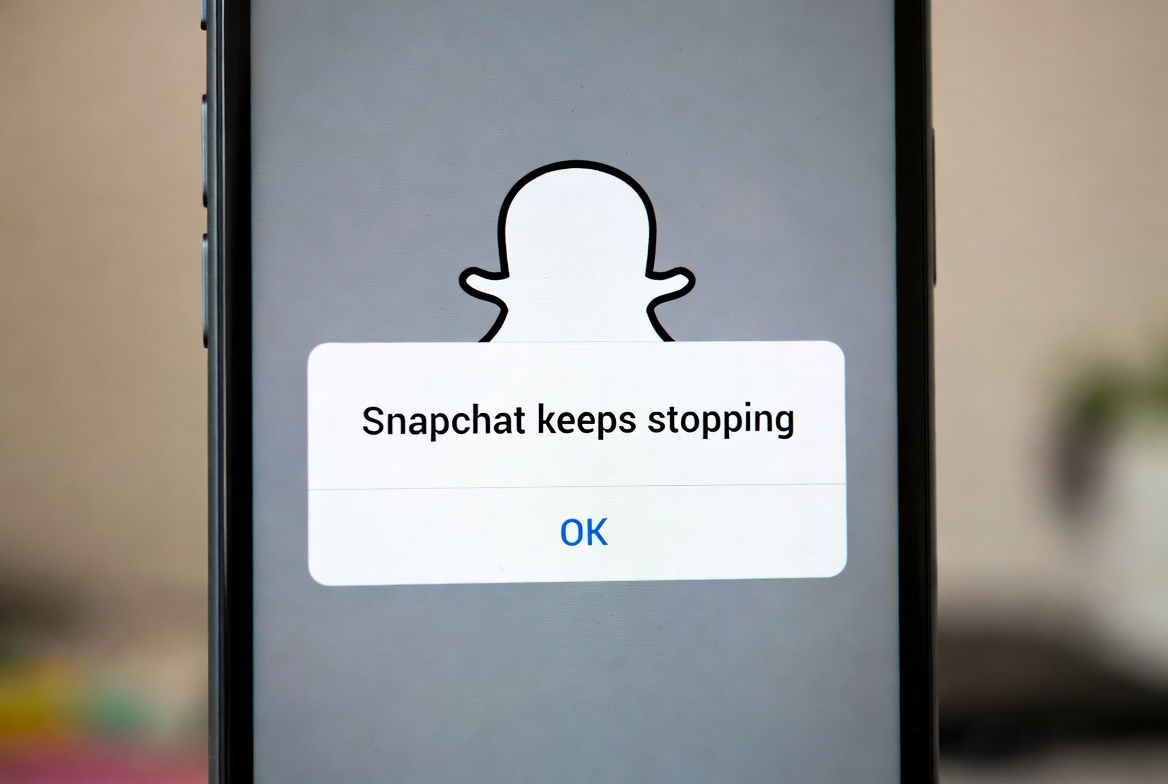

Why Does Snapchat Keep Crashing on My Phone in 2026? The Complete Troubleshooting Guide
Snapchat crashing is a frustrating issue that can stem from a complex interaction between the app, your phone’s operating system, and its hardware. In 2026, as apps become more feature-rich with advanced augmented reality (AR) filters, multi-user experiences, and high-resolution media processing, the demands on your device have never been greater. So, why might your phone be struggling? The primary culprits often fall into a few key categories. First, software bugs within the Snapchat app itself following an update are incredibly common. Have you noticed the crashes started right after you updated? Developers constantly push fixes, but new updates can inadvertently introduce instability, especially if your specific device model has a unique hardware configuration. Second, your phone’s operating system (whether iOS or Android) may be out of date and incompatible with the latest version of Snapchat. Are you running an older version of iOS or Android that Snapchat no longer fully supports? Third, your device’s storage space and RAM (memory) are critical. Snapchat is a resource-intensive app; if your phone is low on storage or has too many apps running in the background, crashes are likely. How full is your phone’s storage? Finally, corrupted app data or cache files can cause the app to malfunction. The local data Snapchat stores to run faster can sometimes become damaged, leading to immediate crashes on launch. Identifying which of these issues is the root cause is the first step to a stable app experience.
How Can I Fix Snapchat Crashes on My iPhone or Android Device in 2026?
When facing persistent app crashes, a systematic approach to troubleshooting is far more effective than random solutions. Let’s walk through a step-by-step fix list, starting with the simplest actions. First, have you tried the classic turn-it-off-and-on-again? Simply force closing the Snapchat app and restarting it can clear a temporary glitch. On iOS, swipe up from the bottom and pause, then swipe Snapchat away. On Android, go to Settings > Apps > Snapchat > Force Stop. If that fails, the next step is to restart your phone. This clears the device’s RAM and stops all background processes, which can resolve conflicts causing the crash. Is the problem still there after a reboot? If so, the issue may lie with the app’s installation. Try updating Snapchat from the official App Store or Google Play Store. Developers release patches for crash fixes regularly. Conversely, if the crash started after an update, the new version may be the problem. In this case, can you uninstall and reinstall Snapchat? This is a powerful fix as it gives you a fresh installation, wiping any corrupted local data. Remember, reinstalling will log you out, so ensure you know your login credentials! For Android users, another potent step is to clear the app’s cache (Settings > Apps > Snapchat > Storage > Clear Cache). This removes temporary files without deleting your login or snaps. If none of these app-specific steps work, the problem might be your phone’s software. Have you checked for and installed the latest system software update for your iOS or Android device? Compatibility is key.
Could My Phone’s Hardware or Settings Be Causing Snapchat to Crash?
Beyond the app itself, your device’s physical state and global settings play a monumental role in app stability. Let’s investigate these often-overlooked factors. First, consider storage space. Snapchat needs free space to download new filters, process videos, and store temporary files. If your phone’s storage is critically full (above 95% capacity), the operating system struggles to allocate resources, leading to crashes. How much free space do you have? Aim for at least 1-2GB of free storage. Second, background app refresh and too many open apps can starve Snapchat of the RAM it needs. Do you routinely have dozens of apps running? Try closing unused apps and limiting background activity. Third, for Android users, Developer Options or altered animation scales can sometimes interfere with app performance. Have you modified any advanced settings? Fourth, overheating is a major issue. Intensive Snapchat use, especially with AR games or long video recordings, can cause your phone to throttle performance or shut down apps to cool down. Is your phone getting unusually hot? Finally, in rare cases, hardware damage, particularly to components like the RAM or storage chip, can manifest as app crashes. While this is less common, it’s a possibility if your phone has suffered physical trauma and all apps are crashing, not just Snapchat.
Common Snapchat Crash Causes & Solutions (2026)
| Cause Category | Specific Issue | Symptoms | Immediate Fix |
|---|---|---|---|
| App Software | Buggy update | Crashes after updating Snapchat | Wait for patch or reinstall app |
| Device Software | Outdated OS | App crashes on launch; other apps may be slow | Update phone’s iOS/Android |
| Storage & Memory | Low storage/ RAM | Crashes when taking snaps or using filters | Free up space; close background apps |
| App Data | Corrupted cache/files | Crashes immediately upon opening | Clear cache (Android) or Reinstall |
| Permissions | Missing camera/storage access | Crashes when switching to camera | Check app permissions in settings |
| Hardware | Overheating / Old device | Crashes during intensive use (AR, video) | Let phone cool; consider upgrade |
Are Outdated Apps and Operating Systems the Hidden Culprits?
In the fast-moving tech world of 2026, maintaining software updates is not just about new features—it’s about stability and security. An outdated operating system is a leading cause of app crashes. Why? App developers optimize Snapchat for the latest OS versions. If you’re running iOS 18 but your phone is stuck on iOS 17, you may encounter compatibility bugs that the developers have already fixed for newer systems. How can you check this? On iPhone, go to Settings > General > Software Update. On Android, go to Settings > System > System Update. But what about other apps? Could they be causing the problem? Absolutely. Outdated system components like WebView (critical for Android apps to display content) or conflicting background apps can destabilize Snapchat. Have you updated all your apps recently? It’s also wise to consider if your phone model is simply too old. Devices from 4-5 years ago may have hardware that struggles to run the computationally heavy Snapchat of 2026. Are you noticing general slowness across your entire phone? This might indicate that your device is reaching its performance limits with modern software.
What Advanced Steps Can I Take When Basic Fixes Don’t Work?
If you’ve tried all the standard solutions and Snapchat is still crashing, don’t despair. Deeper, more advanced troubleshooting steps can often resolve persistent issues. First, have you tried logging out and back into your Snapchat account? Sometimes, account-level data corruption can cause problems. Second, check Snapchat’s in-app permissions. If the app is denied access to critical features like the Camera, Microphone, or Storage, it may crash when trying to use them. You can verify this in your phone’s Settings > Apps > Snapchat > Permissions. Third, consider if you are using a beta version of Snapchat or your phone’s OS. Beta software is inherently unstable. Can you revert to a stable public release? For Android power users, booting in Safe Mode can determine if a third-party app is causing the conflict. In Safe Mode, all downloaded apps are disabled. If Snapchat works fine here, another app you installed is likely the culprit. How do you identify the bad app? You may need to uninstall recent downloads one by one. Finally, as a last resort before a factory reset, try downgrading the Snapchat app to an older, potentially more stable version. This is more complex on iOS but can be done on Android using APK files from trusted sources. Remember, does the app work on a different network, like Wi-Fi vs. cellular? A poor or unstable network connection can sometimes cause the app to hang and crash, especially when loading Discover content or stories.
Keywords: Snapchat crashing, Snapchat keeps crashing, fix Snapchat crashes 2026, Snapchat crash Android, Snapchat crash iPhone, app not working, troubleshoot Snapchat, clear Snapchat cache, reinstall Snapchat, update Snapchat
Disclaimer: The troubleshooting steps and information provided in this guide are for general informational purposes only. They are based on common technical issues and publicly available solutions as of 2026. Results may vary depending on your specific device model, software version, and individual circumstances. If problems persist, contacting Snapchat Support or your device manufacturer’s customer service is recommended. This guide does not replace professional technical support. Proceed with advanced steps like downgrading apps or factory resets at your own risk, as they may lead to data loss.